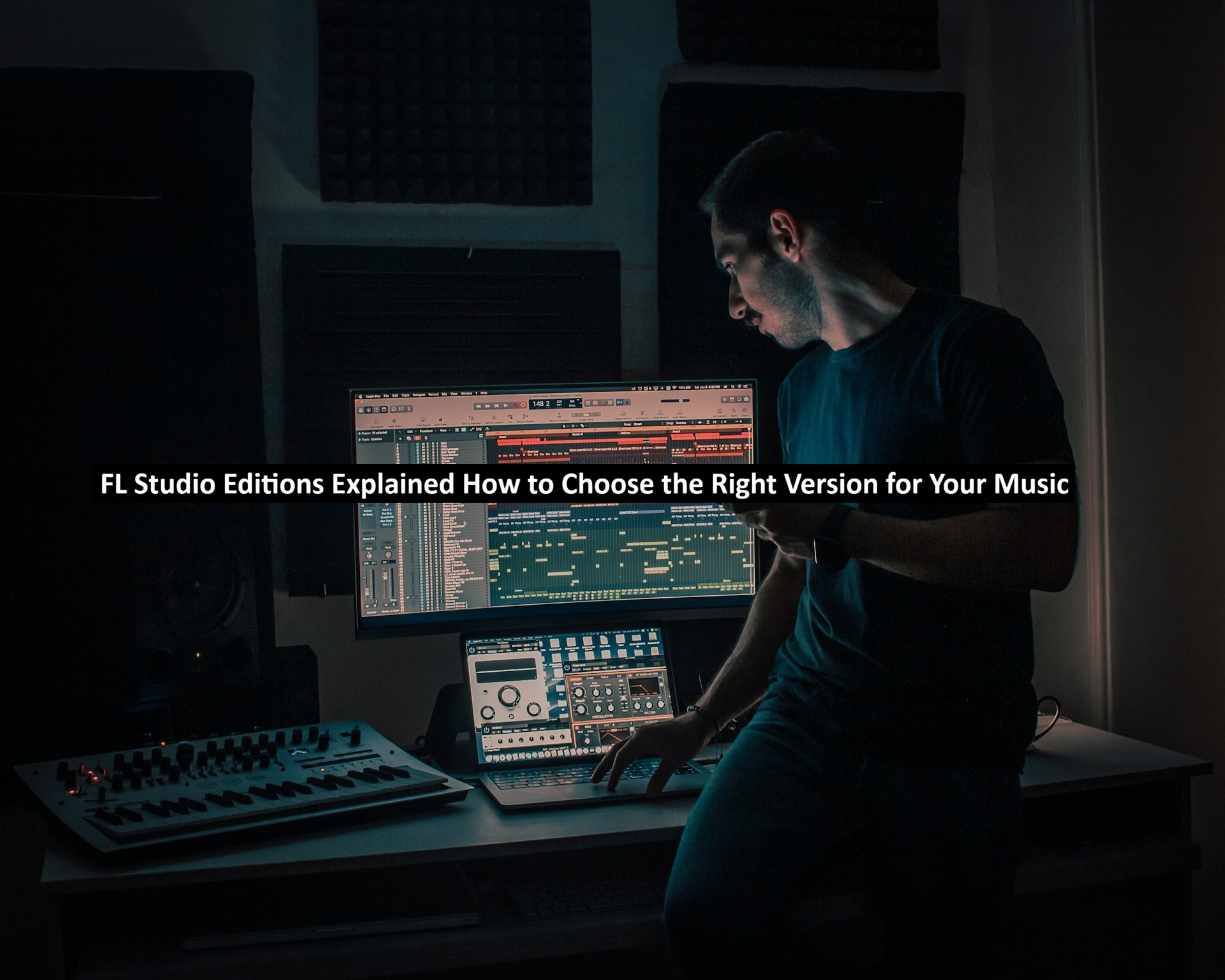
Starting your journey in music production is exciting, but the very first decision can also be the most confusing: which version of FL Studio should you actually buy? Image-Line’s digital audio workstation (DAW) has been a favorite among beatmakers, producers, and songwriters for over two decades, and part of the reason is flexibility. Instead of forcing everyone into a single expensive package, FL Studio ships in several editions, each built for a different stage of a producer’s growth.
It is important to understand that you are not choosing a new tool for a season and will be ready to swap to another DAW at a later time. No, these digital workstations come with a hefty workload of studying and learning how to use the tools, plug-ins, and various modes. Mastering this truly takes decades, while early gains are the fastest and one does not need to be a master at everything, it is important to understand that you are choosing software that will be the primary backbone of your production studio’s arsenal.
The catch is that “more expensive” doesn’t automatically mean “better for you.” A bedroom producer making lo-fi beats has very different needs than a composer scoring film or a sound designer building custom synth patches. Picking the wrong edition means either paying for tools you’ll never open or hitting a wall the moment your skills outgrow your software. This guide breaks down what each edition offers and how to match it to the way you actually make music.
Why the Edition You Choose Matters
Unlike subscription-based DAWs that bill you every month, FL Studio is a one-time purchase that comes with lifetime free updates. That “buy once, own forever” model is one of its biggest selling points, but it also means your initial choice carries a little more weight. You’re not renting access for a month; you’re setting up the foundation of your studio.
The good news is that FL Studio lets you upgrade from a lower edition to a higher one later and only pay the difference. So the real question isn’t “what’s the most powerful version?” It’s “what’s the ideal version that equips me to finish the music I want to make right now?”
Read: How AI-Assisted Development Is Changing the Software Industry
The Four Main FL Studio Editions
FL Studio is generally sold in four tiers. Each one builds directly on the one below it, so nothing is ever taken away as you move up; you simply gain more.
Fruity Edition is the entry point. It gives you the legendary step sequencer, the piano roll, playlist arrangement, and a solid stack of native instruments and effects. It’s a genuinely capable environment for building beats and composing with MIDI. Its main limitation is that it doesn’t support recording external audio or working with audio clips in the same way the higher editions do, which matters if you plan to record vocals or live instruments.
Producer Edition is where most people should start, and it’s the version widely recommended for serious beginners. It unlocks full audio recording, audio clip editing, and the complete mixing workflow. If you want to lay down a vocal take, sample a guitar, or master a finished track, this is the tier that makes it possible. For the majority of producers, Producer Edition is the sweet spot between price and long-term value.
Signature Bundle takes everything in Producer Edition and adds a curated set of premium plugins—the kind of creative effects and sound-design tools that producers often end up buying separately anyway. If you already know you want advanced pitch editing, richer synthesis, and signature-quality effects, buying them bundled is usually cheaper than acquiring them one at a time.
All Plugins Edition is the no-compromise tier. It includes every FL Studio plugin available at the time of purchase, so you never have to wonder whether a particular tool is unlocked. It’s aimed at professional producers and sound designers who want the entire ecosystem and the maximum long-term value from a single purchase.
How to Match an Edition to Your Goals
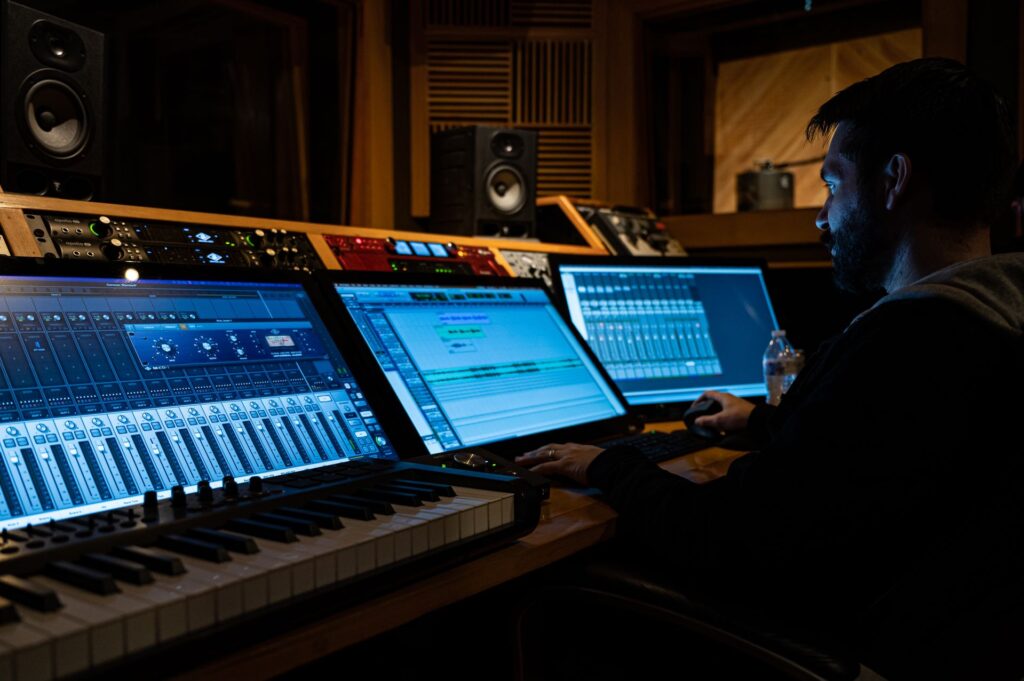
Rather than chasing features, work backward from what you’re trying to create:
- You mainly make beats with MIDI and samples, no live recording. Fruity Edition covers you, and you can always upgrade later.
- You want to record vocals, instruments, or full songs. Go straight to Producer Edition. This is the safe default for most newcomers.
- You’re ready to invest in advanced creative tools without buying them piecemeal. The Signature Bundle earns its price quickly.
- You want zero limitations and the complete plugin library. All Plugins Edition is the long-term power user’s choice.
Because the tiers stack cleanly, it’s better to start one step below where you think you’ll end up and upgrade when you actually hit a limit. Your wallet will thank you, and you won’t be paralyzed by tools you haven’t learned yet.
A side-by-side breakdown makes these differences much easier to see at a glance. If you want to line the tiers up feature-by-feature before committing, you can check a detailed breakdown of what’s included in each edition to confirm exactly which instruments, effects, and capabilities are unlocked. Checking a clear comparison beforehand is the simplest way to avoid buyer’s remorse.
Don’t Overlook the “Smart” Side of Modern DAWs
FL Studio has also leaned into intelligent, assistant-style features in its recent releases, joining a broader wave of creative software that now bakes machine learning directly into the workflow. From smarter browsing and sound discovery to guided help inside the app, these additions lower the learning curve for newcomers in a way that simply wasn’t possible a few years ago.
If you’re curious about how this shift is reshaping software across the board—not just in music—it’s worth reading up on the growing role of AI in today’s software tools. Understanding where the technology is heading helps you appreciate why a DAW purchase today is really an investment in a platform that keeps evolving through those free lifetime updates.
Buy Smart, and Buy Genuine
One last piece of advice that applies to any edition you choose: get your license from a legitimate, authorized source. FL Studio’s value depends on those lifetime updates and proper activation, and a genuine license ensures you keep receiving them without interruption. Pirated or “too good to be true” copies not only put your system at risk but can also lock you out of the very updates that make the software worth owning.
Final Thoughts
Choosing an FL Studio edition doesn’t have to be overwhelming. Start by being honest about the music you’re making today: if you’re recording anything, Producer Edition is your baseline; if you’re strictly building MIDI-based beats, Fruity will do; and if you’re a professional who wants everything on tap, the Signature or All Plugins tiers deliver. Compare FL Studio Version Features carefully, buy from a trusted seller, and remember that upgrading later is always an option. Pick the version that fits your workflow now, and let your software grow right alongside your skills.